 Content Aware Scale
Free · local processing · no signup
Turn your image into SVG
Trace a logo, line drawing or flat illustration into scalable vector paths. Start with the example or choose your own image.
1 · Choose an image
Large images are resized to a 2000 px long edge. Transparency is flattened onto white.
Example preview
color · photo to vector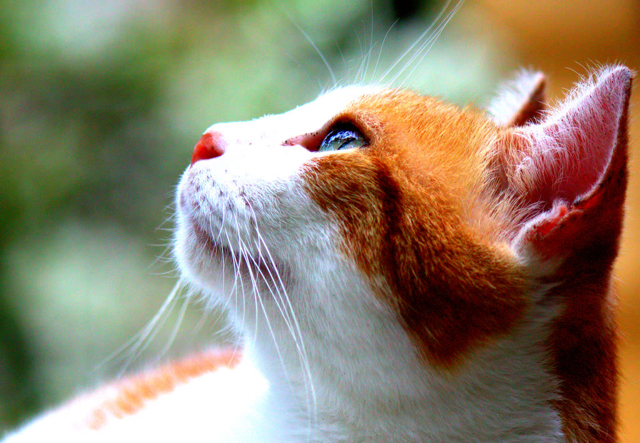
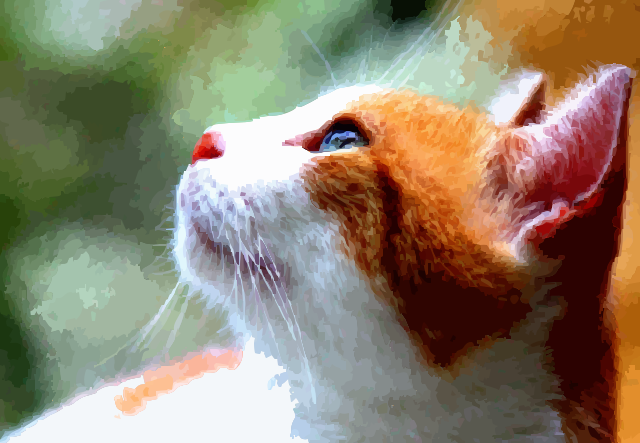
Made with this tool. Use the example to try it yourself.
See fur and soft shading become simplified vector shapes. This example uses detail 5 and speckle removal 4; load it to try those settings.
2 · Adjust & process
Each run starts from your original image.
From pixels to editable paths
Choose Color for artwork or Black & white for a silhouette. Color detail controls how closely colors are separated; removing speckles discards small isolated shapes. Convert, inspect the preview, then download an SVG to open in a vector editor.
What works best?
Clear edges and simple colors make cleaner paths. Photographs become stylized illustrations, not lossless copies. Text is traced into outlines rather than editable fonts. Fine texture can produce large SVG files.
Transparency and image size
This version composites transparency onto white before tracing; semi-transparent edges are not preserved. Large accepted images are scaled to a 2000-pixel long edge before conversion. Black-and-white mode uses image brightness with a fixed midpoint threshold.
Does my image leave my device?
No image is uploaded. The browser downloads the processing engine and runs it locally. Powered by VTracer 0.6.4; open-source notices.